Content management systems.
A content management system that fits your website, your editors and the way your business publishes.
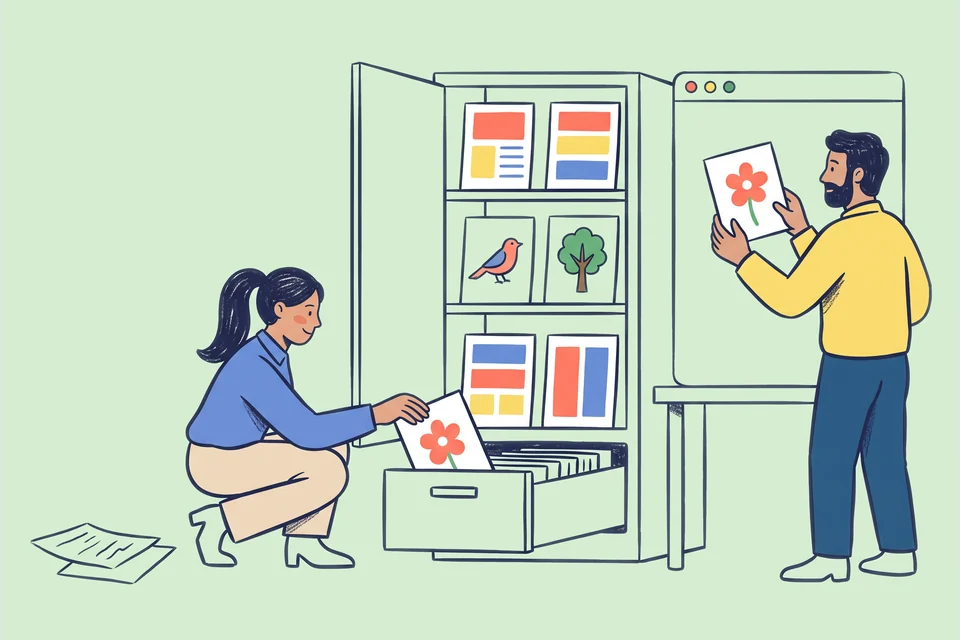
Make routine updates a routine task.
Your team should be able to publish a case study or update a service without rebuilding a page. We shape the content model, templates and permissions around the work your editors need to do.
What we can build together.
The final deliverables, review rounds and schedule are agreed around your brief.
- Content modelling
- Define page types, reusable fields and relationships so information stays organised.
- Editor experience
- Build templates, previews and publishing workflows around your team’s responsibilities.
- Platform implementation
- Configure the selected CMS and connect it to the website or application.
- Migration and training
- Move agreed content, check the results and walk editors through everyday tasks.
Choose the editor experience deliberately.
List the recurring publishing tasks
Bring examples of the pages and content your team updates most often. Identify what should be structured, what needs flexibility and who should be allowed to publish. WordPress, for example, separates user roles through capabilities. The real question is which responsibilities your workflow needs. Read about WordPress roles.
Plan recovery as well as publishing
Preview, review and recovery matter when several people edit content. Some platforms provide revision history; WordPress documents comparing and restoring earlier revisions. Confirm what your chosen setup retains and test the actual recovery process. Read about WordPress revisions.
Test with a real editor
Ask the person who will use the CMS to create a draft, replace an image and publish an approved change. Note where they need help. Those observations can guide field labels and template design before a large content migration makes the structure harder to change.
From brief to handover.
Review the content work
List what changes, who changes it and which channels need the same information.
Build the editing system
Configure content types, permissions and templates, then test with real content.
Hand it to the team
Validate the migration, show editors how to handle everyday changes and agree who owns what.
The answers to
your questions.
Get in touch
Which CMS do you recommend?
We decide after reviewing content needs, integrations, budget and the team’s skills. A platform your team already knows often beats a complex new one.
Can you keep the current website design?
Yes. CMS work can preserve the visible design while improving the editing experience behind it.
Can several people approve content?
We can define roles and approval steps where the selected platform supports them. The exact workflow is agreed before implementation.