Restaurant websites: make it easy to book, order or ask.
What a guest needs from a restaurant website on a phone: a readable menu, correct hours and a booking or order that works. Plus how we help.
The idea in brief
Decide whether the website should win a table, an order or an event brief. Then keep the menu, hours and links correct everywhere a guest might look.
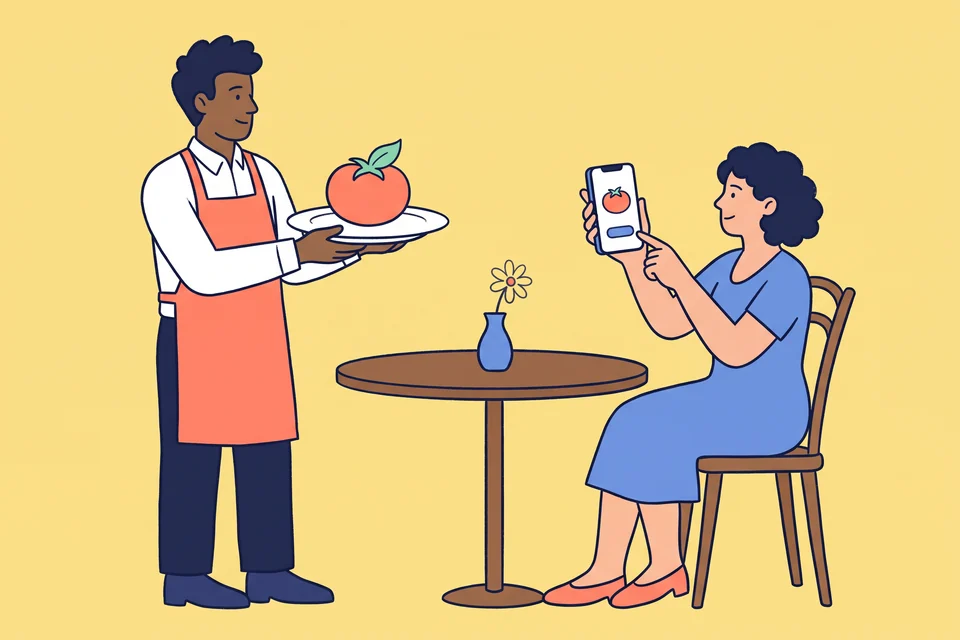
It is seven in the evening and two friends are choosing where to eat. One of them opens a restaurant’s website on her phone. The menu is a scanned PDF that needs pinching and dragging, the opening hours mention last year’s Ramadan, and the “Book” button opens a delivery app. They pick somewhere else.
Nothing was wrong with the food. The website simply did not help them do the one thing they came to do. When we plan a site for a restaurant, a café or a caterer, we start with that action and work backwards.
Choose the main action
Food businesses earn money in different ways, and the website should say which one matters most. A neighbourhood restaurant wants a reservation or a walk-in. A delivery kitchen wants an order. A meal-plan brand wants a subscription. A caterer wants an event brief with a date and a guest count.
Pick one primary action for each kind of visitor and put it where a thumb can reach it. If you take bookings and orders, make them two clearly labelled buttons. A single “Get started” leaves the guest guessing which door they are opening.
Then test the handoff. Many restaurants rely on a booking or ordering platform, and that is fine when the link lands on your restaurant, at the right branch, ready to complete the task.
Publish the menu as a page
A menu is the most read content a restaurant has. Publish it as a normal web page with real text: sections, dish names, short descriptions and prices. It will fit a phone screen, a screen reader can read it aloud, and changing a price takes a minute.
Search engines can index PDF files, so a PDF is not invisible. Google still lists “making sure that important content is available in textual form” among the basics in its guidance on AI features and search. Keep a PDF as a download for people who want to print it.
The menu also travels beyond your site. Google’s menu editor for Business Profiles lets food and drink businesses add items with descriptions and prices, and link to the menu on their own website. Its guidelines say the menu should represent what is available and that a menu URL cannot be a direct link to a third-party ordering or delivery service. A menu page of your own solves both.
Keep hours and links current
Guests check opening hours in the map listing as often as on the website. Give both the same answer. Google lets a business set special hours for holidays and events, and suggests confirming hours for official holidays even when they have not changed.
The same profile can carry reservation and ordering links. Google’s policy for business links requires a verified profile and a link that leads to a dedicated page where the customer can complete the action. Social media pages, messaging links and link shorteners are not accepted. Availability differs by country, so check what your own profile offers.
Give one person the job of updating hours, menu and links in every place at once. Put Ramadan, Eid and National Day in their calendar a fortnight early.
Give catering its own form
A table for four and a lunch for eighty are different conversations. A reservation needs a time and a party size. A catering request needs the date, location, guest count, dietary needs and a budget, and it should reach the person who prepares proposals, not the front-of-house tablet.
Give catering its own page, its own form and a named owner. Tell the customer when they can expect a reply, and only promise a time the team can keep on a Friday night.
How we help restaurants
We have not yet published a restaurant case study, so we will not borrow results from elsewhere. The closest published work is a hotel loyalty campaign and an online shop for a luxury florist, which involve the same two problems: filling a booking and completing an order.
For a food business we would review the path from a search or a social post to a confirmed table or order, on a phone. Then we would build the menu, location and offer pages, connect them to the booking or ordering system you already use, and agree how each handoff is measured. Returning guests matter as much as new ones, so email usually belongs in the plan too.
- Find tonight’s opening hours from the map listing and from the website.
- Read the full menu on a phone without zooming.
- Book a table for a specific time.
- Place an order for delivery to your own address.
- Ask for a quote for an event.
Our page on restaurants and food services shows where we would begin.